Welcome to KeLAAX Stealth! This guide will help you go from download to your first successful campaign.
System Requirements
Before installing, ensure your system meets these requirements:
- OS: Windows 10/11 (64-bit)
- RAM: 8GB minimum (16GB recommended)
- Storage: 2GB free space
- Internet: Stable broadband connection
- Proxies: Your own residential proxies (recommended)
Installation
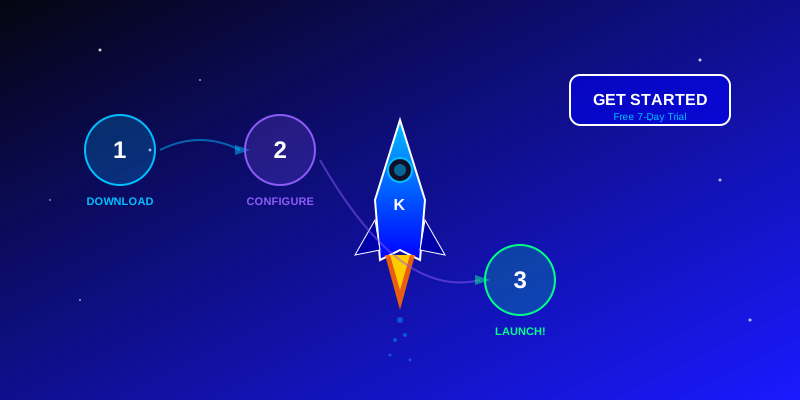
Step 1: Download
- Log into your KeLAAX dashboard
- Navigate to Downloads
- Download the latest version
- Extract to your preferred location
Step 2: First Launch
- Run as Administrator (recommended)
- Allow through Windows Firewall if prompted
- Enter your license key when asked
- Wait for initial profile database download
Step 3: Verify Activation
- Check the dashboard shows "Active" status
- Confirm your subscription type (Trial/Pro)
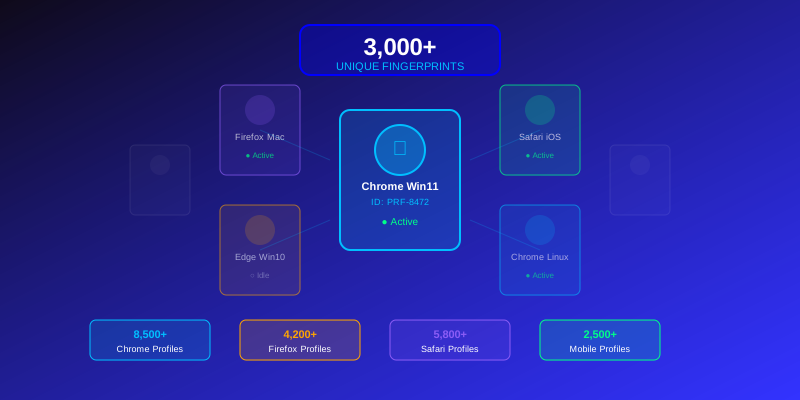
- Verify profile count shows 3,000+
Initial Configuration
Setting Up Proxies
Since KeLAAX doesn't provide proxies, you need your own:
- Go to Settings > Proxies
- Click "Add Proxy" or "Import"
- Enter proxy details (IP:Port:User:Pass)
- Test connectivity
- Enable auto-rotation if desired
Profile Settings
Configure default profile behavior:
- Go to Settings > Profiles
- Set default platform preferences
- Configure geographic defaults
- Enable automatic profile rotation
Behavior Settings
Adjust human behavior simulation:
- Go to Settings > Behavior
- Enable Human Behavior Simulation
- Set mouse movement speed (natural recommended)
- Configure scroll behavior
- Adjust timing settings
Your First Campaign
Step 1: Define Your Goal
What do you want to achieve?
- Generate website traffic
- Boost YouTube views
- Improve SEO signals
- Test your website
Step 2: Create Campaign
- Click "New Campaign"
- Enter target URL
- Select campaign type
- Configure session settings
- Set volume and timing
Step 3: Configure Sessions
For each session, set:
- Profile selection (random or specific)
- Proxy assignment
- Session duration
- Behavior patterns
- Actions to perform
Step 4: Launch
- Review all settings
- Start with a small test run
- Monitor real-time results
- Check for any blocks or issues
- Scale up if successful
Monitoring & Analytics
Dashboard Metrics
Track your performance:
- Active sessions
- Completed sessions
- Success rate
- Detection incidents
Log Analysis
Review session logs for:
- Individual session results
- Error messages
- Blocked requests
- Timing analysis
Troubleshooting
Common Issues
Application won't start
- Run as Administrator
- Check antivirus exclusions
- Verify system requirements
License key rejected
- Verify key accuracy
- Check subscription status
- Contact support if persists
Sessions failing
- Check proxy connectivity
- Verify target URL accessibility
- Review error logs
Getting Help
If you need assistance:
- Check the Documentation
- Browse the FAQ
- Contact Support via dashboard
- Email: support@kelaax.com
Next Steps
Now that you're set up:
- Start with simple campaigns
- Learn from the results
- Gradually increase complexity
- Explore advanced features
- Join our community
Welcome to KeLAAX Stealth! We're excited to help you achieve your traffic automation goals.